
Published
Why Asana, Monday and Notion Don’t Work for Interior Design Projects
The Kanban Board Is Full. The Spec Is Still in a Spreadsheet.
Author:
Alice Hart
Estimated reading time: 5 minutes
Most interior design studios that adopted a project management tool in the last few years still run their specifications in Excel. Not because they forgot to migrate. Not because they ran out of time to set it up properly. Because the specification problem and the task management problem are structurally different, and a tool built for one does not solve the other.
This is worth naming clearly, because the assumption that a good project management tool should be able to handle specification - with enough configuration, with the right integrations, given enough time - is what keeps studios spending months building workarounds that never quite hold. The issue is not configuration. It is architecture.
What generic project management tools actually do well
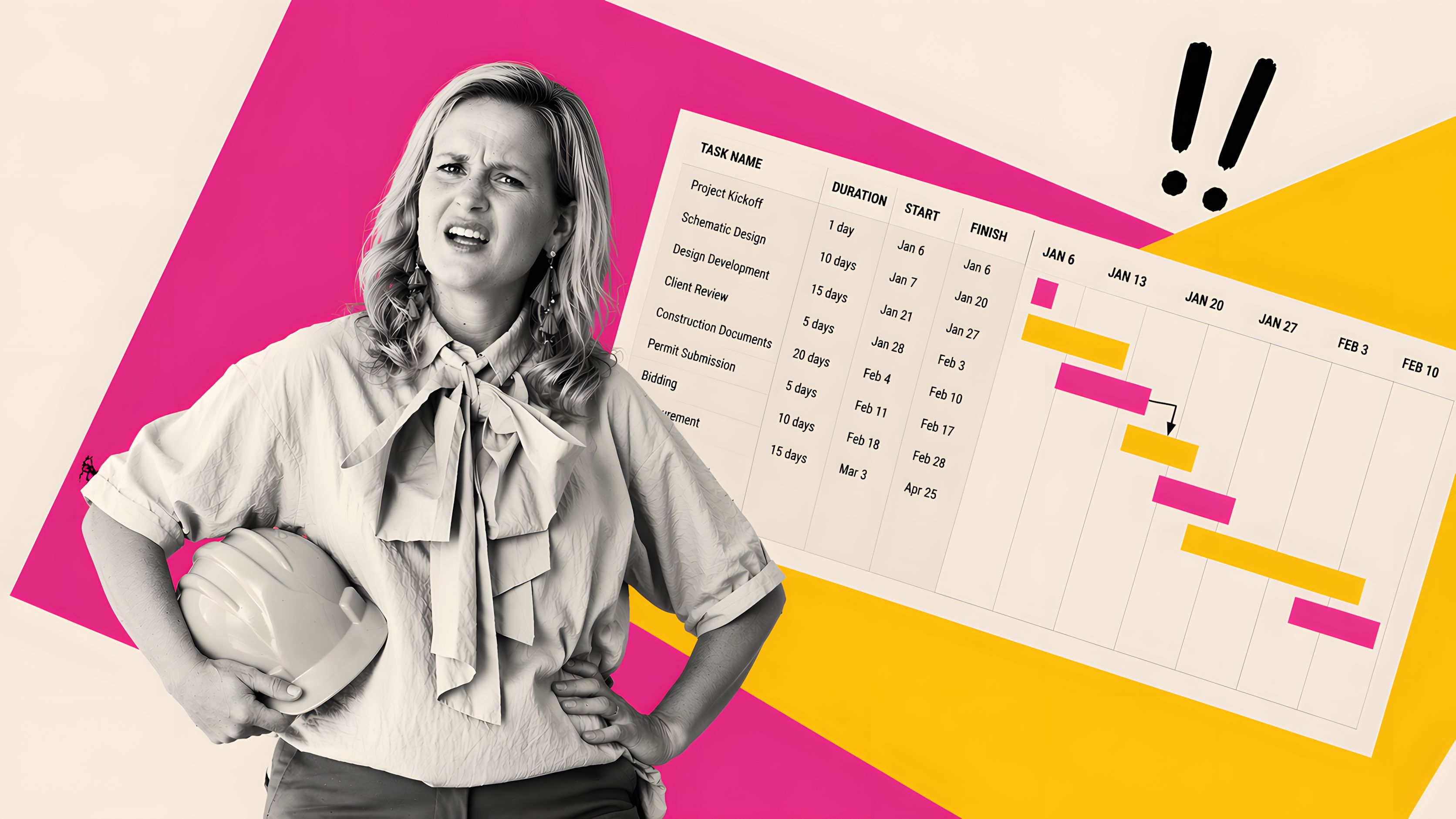
Asana, Monday, ClickUp, Notion and their equivalents are genuinely well-built tools. They make work visible. They assign ownership. They track deadlines. They send reminders. For the coordination problems they were designed to solve - who is doing what by when - they work well, and there is no reason an interior design studio should not use them for that purpose.
The problem appears at a specific boundary: when the work being coordinated is not tasks but product decisions. A task has a status. A product specification has a status, but it also has a room, a package, a finish, a quantity, a budget implication, an alternate, a revision history, a set of images, and a sign-off chain. When you try to represent that in a task, you end up with a task containing a link to a spreadsheet. Which means the specification is still in the spreadsheet.
The task board tracks the work. The specification is still in a spreadsheet. That is not a configuration problem. It is what task boards are for.
The structural difference between tasks and specifications
Task management tools are built around activities: things that need to happen, assigned to people, by dates. The fundamental unit is an action. Interior design specification is built around objects: products, rooms, packages, finishes. The fundamental unit is a thing with properties.
That distinction matters because the problems studios need to solve in specification are relational problems, not scheduling problems. When a client changes a finish in one room, it may affect eight other rooms that share the same specification package. When a product is discontinued, every project that specified it needs to know. When the budget shifts, the cost implication of every product decision in scope needs to update. None of those are task problems. They are relationship problems between objects, and task management tools have no native way to represent them.
Studios that have tried to solve this through heavy customisation - building specification databases inside Notion, or product tracking inside Monday - report the same outcome consistently: the system works for the person who built it, requires constant maintenance, and collapses under revision pressure. A change in one place does not propagate. The maintenance burden falls back on the team, and eventually the spreadsheet gets reopened because it is faster.
The fragmentation pattern most studios end up with
When a studio tries to run an interior design project through generic tools without purpose-built specification software, a predictable fragmentation pattern emerges. It is not the result of bad decisions. It is the result of each tool doing its job correctly and none of them doing the job the others cannot.
Tool | What it handles | What it cannot handle |
|---|---|---|
Asana / Monday | Task coordination, deadlines, visibility | Product data, revision history, spec outputs |
Excel / Sheets | FF&E schedule, BOQ, cost plan | Version control, simultaneous editing, linked packages |
Dropbox / Drive | File storage, document sharing | Version clarity, approval tracking, live status |
Client approvals, supplier queries | Searchable history, linked to spec items, audit trail | |
InDesign | Presentation-ready outputs | Live data, revision updates without rebuild |
Each of those tools is doing what it was built for. The problem is the gaps between them. The spec in Excel is not connected to the tasks in Asana, so nobody looking at the task board can see whether the spec is current. The approval that arrived in email is not connected to the spec version it approved. The InDesign document issued last week is a snapshot, already out of date.
These gaps are where errors live. They are also where the administrative overhead accumulates: the time spent checking, reconciling, chasing, and rebuilding that does not appear as a project cost but erodes margin quietly across every project phase.
What changes when the specification is the system
Purpose-built interior design specification software starts from a different premise: the product decision is the primary unit of work, not the task. Everything else - revisions, approvals, budgets, outputs, procurement - is organised around the product and the room it belongs to, not around a list of things to do.
The practical difference is that a change made in one place propagates correctly. A finish update in the master product library updates every room and package that references it. A quantity change updates the BOQ and the cost plan simultaneously because they are the same data, not separate documents. An approval recorded in the system is attached to the specific version of the spec that was approved, not to an email thread that exists independently of the spec itself.
This does not mean generic project management tools become redundant. Studios that are running well on Asana for team coordination continue to run well on Asana for team coordination. The specification software handles the product-first problems that the task-first tool was never designed for. They serve different purposes and can coexist without conflict.
Generic PM tools do not become redundant. They do the task coordination job they were built for. The specification tool does the product-first job they were never designed for.
How to tell if this is actually your problem
Not every studio has this problem at a scale that warrants addressing it. A two-person practice running two projects a year with limited procurement complexity may find that the fragmentation pattern is manageable enough that the cost of fixing it exceeds the cost of living with it.
The studios for whom this becomes urgent tend to recognise a specific set of conditions. More than one designer is editing the same specification simultaneously and version conflicts are a regular occurrence. A revision made in one document regularly fails to propagate to another. The question ‘which version did the client approve?’ cannot be answered without searching through email. A new project is starting and nobody is confident the spec template is current. A senior designer is spending a significant part of their week on document maintenance rather than design decisions.
If several of those are true, the issue is not that the team needs better habits or clearer processes. The issue is that the tools being used do not support the kind of work being done. Better habits inside a structurally inadequate system produce diminishing returns. At some point the right response is to change the system.
free expert workflow audit
Book a Workflow Audit: See Exactly Where Your Studio Is Losing Time
LIMITED TIME OFFER FOR ARCHITECTURE AND DESIGN STUDIOS
Your audit is a tailored operational assessment designed specifically for interior design and architecture firms. Book your 30 minute session with our .STUDIO Consultant. Same-day slots usually available. Your audit report will:
Map your current specification and project workflows
Identify duplicate data entry and version-control risks
Highlight resource visibility gaps
Quantify potential time savings
Outline a phased plan to replace spreadsheets safely
This is not a generic demo. It is a tailored operational assessment designed specifically for interior design and architecture firms.
If you are considering architecture workflow software or looking for a serious alternative to Excel for your design firm, this is the first step.

