
Published
Interior Design Operations Software vs Excel: When Spreadsheets Stop Scaling
The Definitive Guide to Replacing Spreadsheets in Interior Design and Architecture Firms
Author:
Ben D'Souza
Estimated reading time: 6 minutes
Interior design and architecture firms do not choose Excel because they love it. They choose it because it is available, flexible, and familiar.
For years, spreadsheets have quietly powered specifications, budgets, procurement trackers, variation logs, resource plans, and even sales pipelines inside growing studios. At a small scale, this works remarkably well.
At growth scale, it begins to fracture.
The issue is not Excel itself. In many cases, it performs exactly as designed. The problem is the role it has been asked to play. A spreadsheet can calculate values. It cannot orchestrate operations across multiple projects, stakeholders, revisions, approvals, visual assets, and presentation layers.
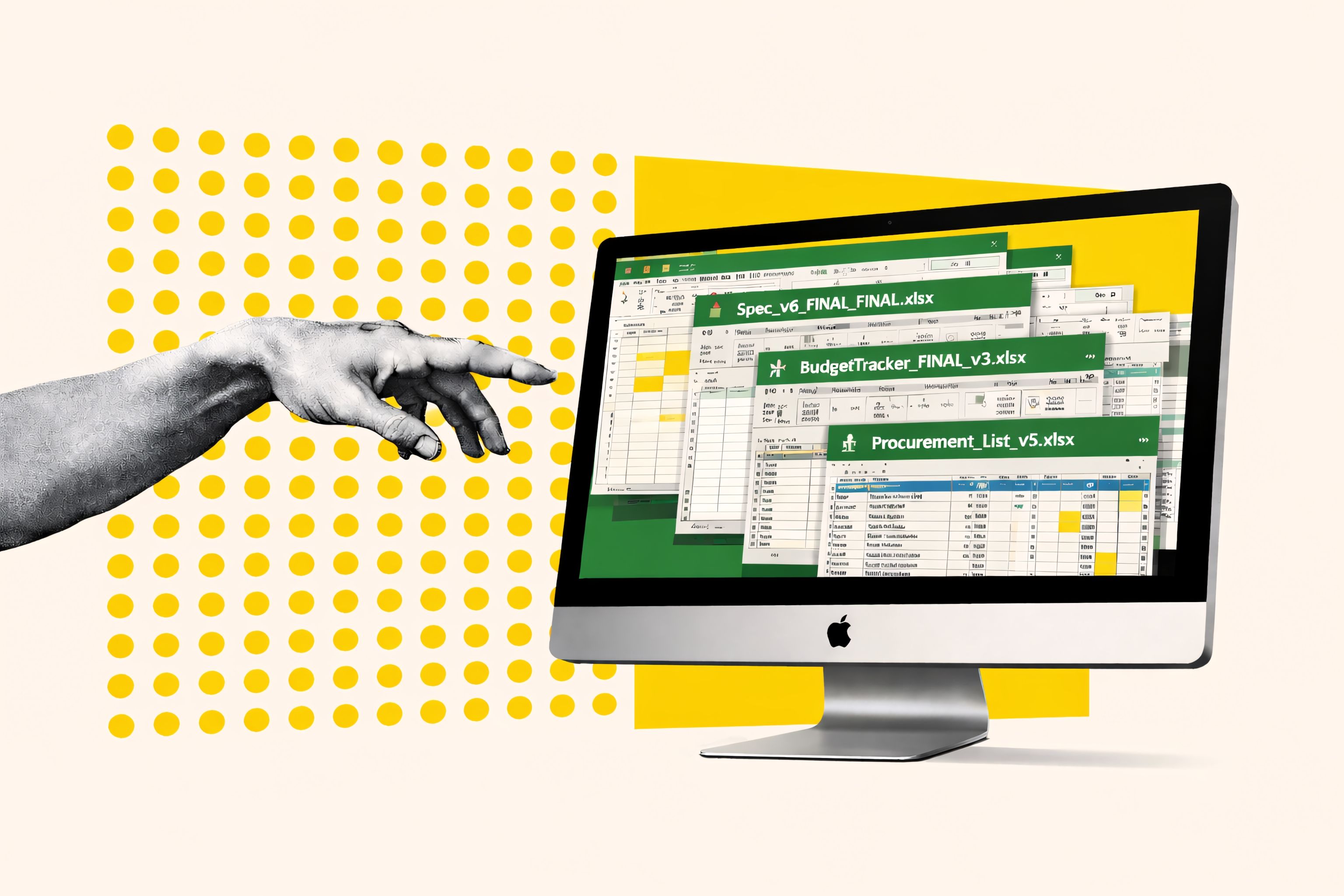
It was never built to handle image-heavy specification workflows, embedded product visuals, datasheets, and drawings. As specifications grow more detailed and image-rich, spreadsheet files become bloated, unstable, and slow—sometimes so large they struggle to open reliably or crash altogether. What works as a lightweight tracker quickly becomes a fragile, oversized document trying to behave like a design system.
If your firm has grown beyond 15 people, is managing multiple live projects simultaneously, and feels increasing operational strain despite strong design output, this guide is for you.
This is not a critique of spreadsheets.
This is a discussion about operational maturity, and how to replace spreadsheets in your design firm with a structured system built to scale.
Why Spreadsheets Became the Default Operating System for Design Firms
Excel became the default in design firms for one simple reason: it solved early-stage chaos.
In smaller studios, complexity is naturally contained. Communication is informal. The principal sees most major decisions. Designers carry context in their heads. Updates happen through conversation rather than structured systems.
In that environment, a spreadsheet works perfectly well. It stores information. It organizes lists. It tracks costs. Nothing more is required.
But growth changes the equation.
As projects multiply, clients demand greater visibility, teams expand, and supplier networks grow, information can no longer live in memory. It must live in structure.
Data stops being memory-supported and becomes system-dependent.
Spreadsheets, however, were never designed to manage relational logic across dozens of stakeholders, project phases, approvals, and deliverables. They were designed to calculate values within isolated grids.
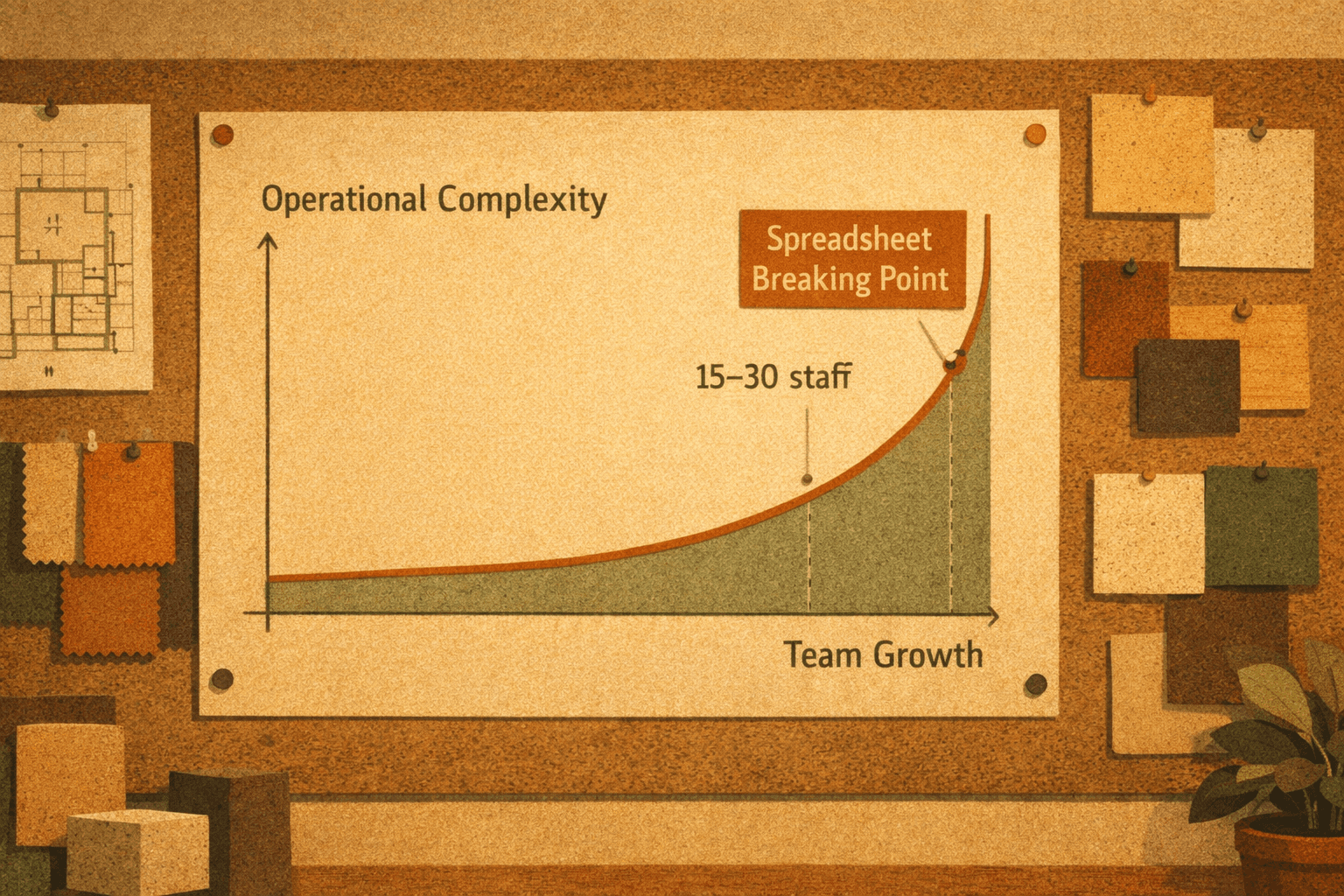
At small scale, that distinction is invisible.
At growth scale, it becomes the breaking point.
When to Replace Spreadsheets in a Growing Design Firm
Few firms make a conscious decision to replace spreadsheets. Instead, they experience friction.
Files multiply. Version names grow longer. Manual reconciliations become routine. Teams spend Fridays checking quantities before Monday client meetings.
The same product appears in multiple places: specification sheets, cost plans, BOQs, procurement trackers, and presentation decks. A single revision requires updates across several documents. If one location is missed, inconsistencies appear.
These are not isolated inefficiencies. They are structural weaknesses.
As project volume increases, spreadsheets demand vigilance. And vigilance does not scale.
The Hidden Costs of Using Excel for Interior Design Operations
The visible cost of spreadsheet dependency is time. The invisible cost is strategic drag.
Designers trained to think spatially and creatively become data custodians. Hours are spent duplicating entries, formatting documents, reconciling versions, and manually generating outputs.
Across a mid-sized studio, eliminating duplicate data entry and manual document rebuilding can reclaim up to two full days per week in administrative effort.
That time is not trivial. It represents margin protection, creative focus, and leadership clarity.
Operational erosion rarely happens dramatically. It happens quietly, through duplicated work, minor errors, missed updates, and reactive reporting.
Over time, this compounds.
Excel vs Design Operations Software: What’s the Real Difference?
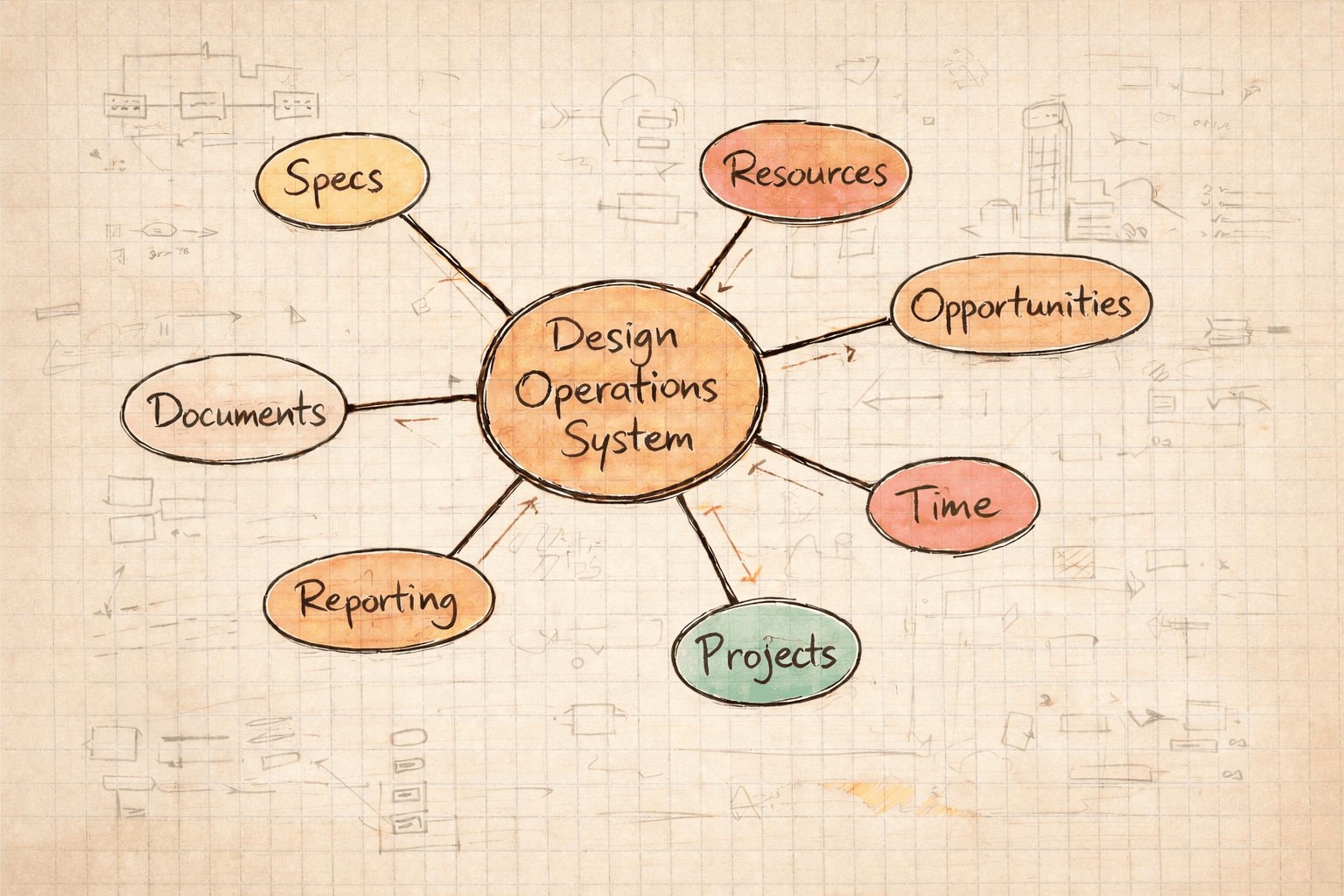
Excel stores values. A modern design operations system connects relationships.
In a professional interior design workflow, products belong to rooms. Rooms belong to packages. Packages affect budgets. Budgets influence approvals. Approvals trigger procurement. Procurement impacts profitability.
When one variable changes, the ecosystem should update.
Spreadsheets rely on human coordination to maintain these relationships. Architecture workflow software embeds them directly into the system.
What to Look for in Interior Design Operations Software (Before You Replace Excel)
Replacing spreadsheets does not mean adding another disconnected tool. It means introducing structure where growth demands it.
A purpose-built interior design operations platform should include:
Structured specification management with linked room and package architecture
Real-time collaboration and automatic version control
Opportunity-to-delivery continuity
Studio-wide resource planning visibility
Integrated time and profitability tracking
Automated generation of presentation-ready outputs
If these elements are not connected, the system is not replacing spreadsheets. It is simply relocating fragmentation.
Excel vs Architecture Workflow Software: A Direct Comparison
Capability | Excel | Design Operating System |
|---|---|---|
Real-time collaboration | Limited | Native |
Version control | Manual | Automatic |
Linked room-package logic | No | Yes |
Resource visibility | Fragmented | Centralized |
Profitability insight | Manual | Integrated |
Document automation | Manual rebuild | Auto-generated |
Scalability beyond 20 staff | Fragile | Designed for it |
The difference is structural, not cosmetic.
How to Replace Spreadsheets in Your Design Firm Without Disrupting Live Projects
Modernization should be phased, not disruptive.
Map your current workflow. Identify duplication points and reporting gaps.
Pilot a single live project within a structured system.
Train core users before expanding studio-wide.
Sunset legacy spreadsheets gradually.
Measure impact in time saved and error reduction.
10 Signs Your Interior Design Firm Has Outgrown Excel
You spend more time managing files than designing.
Version names include “Final_Final_v6_Approved_Updated.”
The same product is entered multiple times per project.
Leadership cannot instantly see studio-wide capacity.
Profitability is calculated only after project completion.
Client approvals live inside email threads.
Designers rebuild documents manually for each project.
Updating spreadsheets feels burdensome.
You have considered hiring admin purely to manage data.
Growth feels operationally risky instead of exciting.
If several of these feel familiar, it may be time to explore an alternative to Excel for interior designers that is built to scale.
Frequently Asked Questions About Replacing Excel in Design Firms
What is the best alternative to Excel for interior designers?
A purpose-built interior design operations platform that links specifications, budgets, resources, approvals, and reporting in one structured system.
When should a design firm replace spreadsheets?
Typically when complexity increases beyond 15–30 staff or when multi-project coordination creates duplication and reporting strain.
Is Excel sufficient for small studios?
For very small teams with limited project volume, yes. As complexity grows, its limitations become structural.
What is architecture workflow software?
It is software designed to manage specifications, phases, resources, approvals, and documentation in a connected operational framework.
How do you migrate from spreadsheets without disruption?
Begin with workflow mapping and pilot implementation before scaling adoption.
Can replacing spreadsheets improve profitability?
Yes. Structured systems reduce duplication, minimize errors, and provide real-time visibility into time and cost performance.
Are generic project management tools enough?
Most manage tasks but lack relational specification architecture and integrated financial visibility.
How long does migration typically take?
Pilot implementation can begin within weeks. Full transition depends on project cycles.
What is the biggest risk of staying on spreadsheets?
Invisible operational fragility that compounds as the firm grows.
Can modern systems integrate with existing tools?
Many purpose-built platforms are designed to connect with design and supplier ecosystems.
Replace Spreadsheets with a Structured Design Operations System
Spreadsheets were the first generation of design firm infrastructure.
Structured operations systems represent the next.
If your ambition includes scaling confidently, protecting margin, reducing burnout, and delivering consistent excellence, your systems must evolve accordingly.
Book a Workflow Audit: See Exactly Where Your Studio Is Losing Time
If you suspect your spreadsheets are costing more than they are saving, guessing is not the solution. Clarity is.
A structured Workflow Audit will:
Map your current specification and project workflows
Identify duplicate data entry and version-control risks
Highlight resource visibility gaps
Quantify potential time savings
Outline a phased plan to replace spreadsheets safely
This is not a generic demo.
It is a tailored operational assessment designed specifically for interior design and architecture firms.
If you are considering architecture workflow software or looking for a serious alternative to Excel for your design firm, this is the first step.
Request your Workflow Audit and see what your current system is actually costing you.

