Published
Cost of Using Excel for FF&E Specifications | Interior Design
How Spreadsheet-Based Specification Workflows Quietly Erode Margin in Interior Design Firms

Author:
Alice Hart
Using Excel for FF&E schedules? Discover how duplicate entry, image-heavy files, and revision chaos quietly reduce margin in design firms.
They lose it during specification.
Long before a product is ordered or a contractor queries a line item, small inefficiencies are already compounding inside the spec file itself. And for many growing studios, that file is still an Excel workbook.
Spreadsheets feel flexible. Familiar. Controllable.
But when Excel becomes the backbone of your FF&E specification workflow, the hidden cost is not just time. It is structural fragility.
This is not about blaming Excel.
It is about recognizing when a calculation tool is being used as operational infrastructure.
Why Excel Became the Default for FF&E Specifications
Excel solved a real problem for design studios.
It allowed teams to:
List products
Track quantities
Calculate totals
Adjust budgets quickly
For small teams managing a limited number of SKUs, this worked.
But commercial interior projects today are product-heavy, revision-driven, and documentation-intensive. A hospitality project can involve hundreds or thousands of line items, each with images, certifications, alternates, and evolving approvals.
At that scale, the spreadsheet stops being a tool.
It becomes a constraint.
The Operational Risk of Image-Heavy Spec Files
Modern FF&E schedules are visual documents.
Designers embed:
Product images
Datasheets
Sustainability certifications
CAD references
Material samples
Excel was not built to function as an image library and documentation system.
As visuals accumulate:
File sizes balloon
Save times increase
Sync errors become more frequent
Version conflicts multiply
Files occasionally fail to open at all
If your spec workbook has ever taken several minutes to load, or required a "light" version without images, that is not an inconvenience.
It is a sign the system architecture is misaligned with how you work.
When a spec file becomes too heavy to open reliably, the problem is not storage.
It is structure.
The Hidden Cost of Duplicate Data Entry
Excel does not understand relationships.
It does not inherently know that:
A product belongs to multiple rooms
A room belongs to a package
A package affects a budget
A budget influences project margin
So teams compensate manually.
The same product data is entered in:
The FF&E schedule
The cost plan
The BOQ
The procurement tracker
The client-facing presentation pack
A single revision can require updates across multiple documents and tabs.
Multiply that by daily design changes, and the time lost to duplicated entry becomes significant.
Across a 20-person studio, even 45 minutes per designer per day managing spreadsheet updates translates into hundreds of non-billable hours per quarter.
This rarely appears on a financial report.
But it directly affects delivery capacity.
Revision Cascades and Version Chaos
Specifications are living systems.
Products change. Alternatives are introduced. Clients revise approvals. Lead times shift.
In a spreadsheet-driven workflow:
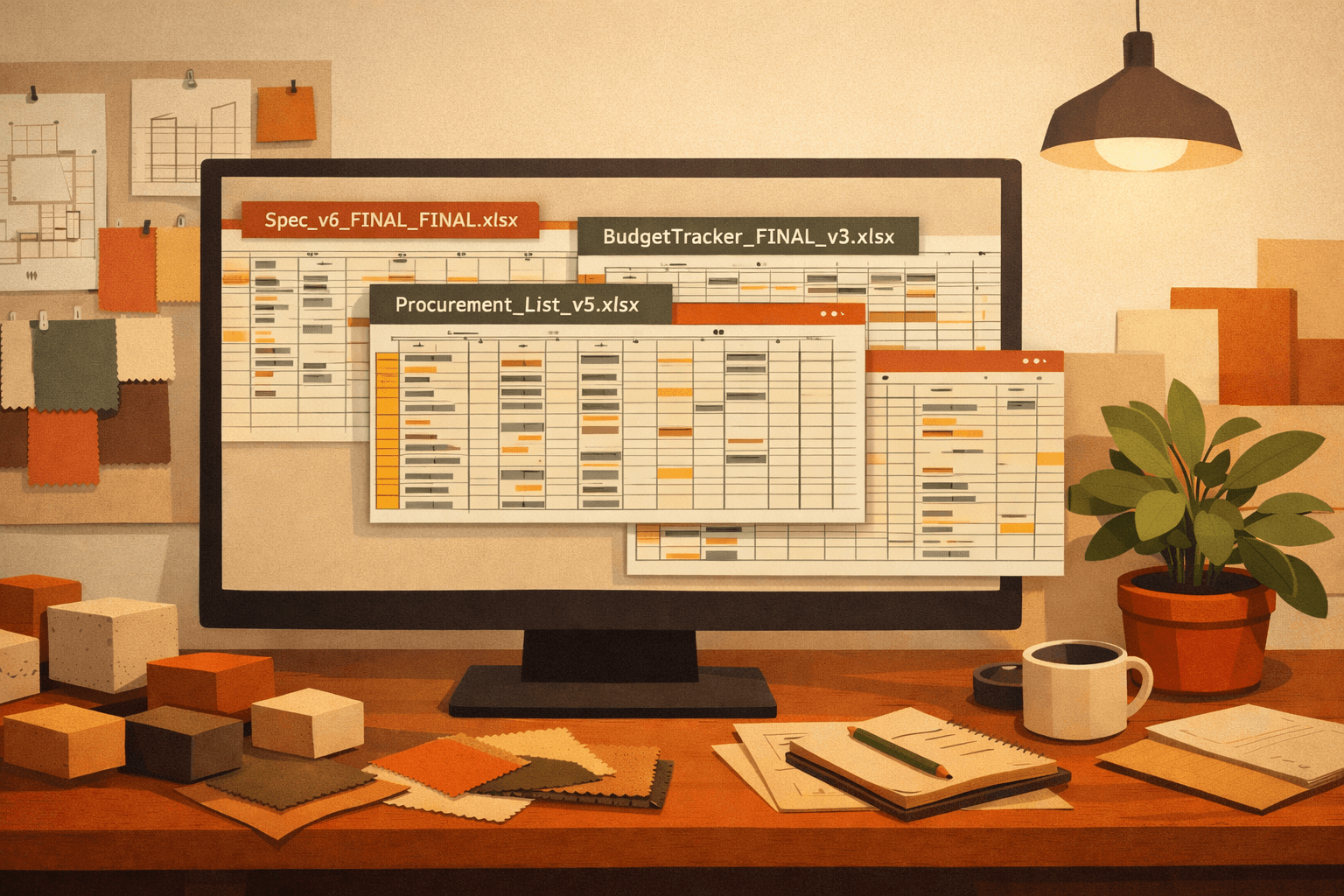
Version names multiply
Approval history sits in email threads
Comments live outside the file
Updates rely on human memory
Small inconsistencies begin to appear.
An outdated price in one tab. A missing image in another. A discrepancy between the BOQ and the schedule.
These are not dramatic failures.
They are incremental fractures that create late-stage stress.
By the time procurement flags the issue, the root cause sits weeks back in the specification workflow.
Margin Leakage Starts at Specification
Most firms analyze profitability after project completion.
By then, inefficiencies are already embedded.
When specification management is fragmented:
Designers spend more time on admin than intended
Teams react to inconsistencies instead of preventing them
Leadership lacks real-time visibility into spec-driven cost shifts
Margin rarely disappears in one decision.
It erodes quietly through duplicated effort, reactive corrections, and limited visibility.
The spreadsheet does not create the leak.
It makes it difficult to see.
What Structured Specification Management Looks Like
Replacing Excel for FF&E is not about better formatting.
It is about relational structure.
A modern specification system should allow you to:
Enter product data once
Attach visuals and documentation without destabilizing performance
Link products to rooms, packages, and budgets
Track revisions centrally
Generate BOQs, schedules, and presentation-ready outputs automatically
When one product changes, the ecosystem updates.
No manual cascade. No duplicate entry. No bloated files.
This is the difference between managing a document and managing a system.
.STUDIO was built precisely around this shift - reducing spreadsheet dependency, eliminating duplicated data entry, and giving studios real visibility into specifications, resources, and delivery workflows in one unified platform.
Instead of forcing designers to manage multiple disconnected files, it creates structured, spec-first architecture that supports how commercial design teams actually work.
When Excel Becomes a Liability
Excel becomes a liability when:
Specification files exceed manageable size limits
Multiple designers edit in parallel
Projects involve hundreds of SKUs
Visual documentation is required for client approvals
Leadership needs margin visibility in real time
At that point, spreadsheets do not fail dramatically.
They slow the studio incrementally.
And incremental drag compounds.
The real question is not:
"Can Excel handle this project?"
It is:
"Is our specification workflow designed for the scale we are targeting?"
For growing studios, specification architecture is no longer a template.
It is infrastructure.
Evaluate the Real Cost of Your Current Workflow
If your FF&E schedules feel heavier every quarter, that is operational signal.
A Workflow Audit helps you:
Map how specifications move from concept to procurement
Identify duplicate entry points
Quantify administrative time loss
Surface revision bottlenecks
Assess image-related file instability risk
Outline a phased transition to structured specification management
This is not about abandoning familiar tools overnight.
It is about ensuring your specification system supports the level of work your studio is aiming to deliver.
If you are exploring alternatives to Excel for interior design specifications, start with clarity.
Request a Workflow Audit and understand what your current process is truly costing you.